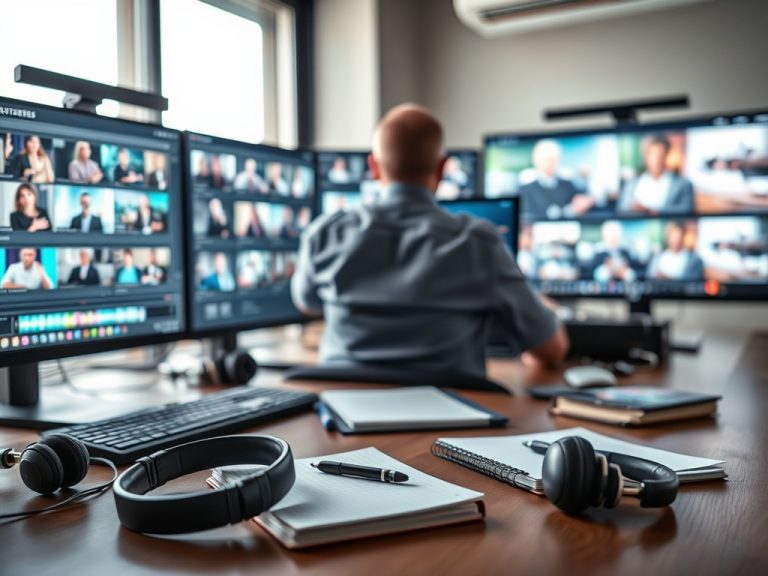


Strong live streaming and on-demand event content depends on production planning, clear rights, accessible delivery, reliable technology, and a post-event workflow. Advanced teams treat recorded content as an event asset from the start, not as an afterthought after the livestream ends.
TL;DR: Plan the replay before going live
- Define live, recorded, and on-demand goals before choosing technology.
- Build redundancy into audio, video, internet, staffing, and content capture.
- Create a review loop for quality, accessibility, permissions, analytics, and repurposing.
Start with the content lifecycle
A livestream is only one moment in the content lifecycle. The team should know what will be live-only, what will be recorded, what will be edited, what can be reused, who can access it, how long it will remain available, and what permissions apply. This is especially important for conferences, education sessions, sponsored programs, internal events, and hybrid experiences.
Attendee expectations should match the actual access model. Before promotion begins, coordinate the streaming plan with attendee communication strategy choices so people understand what they can watch live, later, or not at all.
Production details that separate average teams from strong operators
- Prioritize audio quality because poor sound harms comprehension faster than imperfect visuals.
- Test internet redundancy, power, camera positions, screen capture, and speaker transitions before the live program.
- Assign clear roles for producer, platform operator, chat or Q&A moderator, stage manager, accessibility support, and backup decision-maker.
- Document what happens if the stream drops, a speaker loses connection, slides fail, or the recording is incomplete.
- Confirm permissions for recording, distribution, sponsor use, speaker clips, and attendee visibility.
Hybrid access and inclusion considerations
Hybrid experiences can easily favor the room over the remote audience. The w3c guidance on hybrid meetings explains that hybrid participation adds technical and social complexity, especially when remote and in-person participants need equal opportunities to contribute. Event teams should treat moderation, camera framing, audio routing, chat participation, captions, and Q&A rules as design decisions, not minor details.
Best-practice checklist for live and on-demand content
| Stage | Best practice | Why it matters |
|---|---|---|
| Before event | Confirm rights, run technical tests, define access tiers | Prevents legal, quality, and attendee-expectation issues |
| During event | Monitor audio, video, chat, recording, and backup systems | Protects the live experience and the archive |
| After event | Review quality, trim content, add captions where appropriate, publish intentionally | Turns the session into useful on-demand material |
| Reporting | Measure live attendance, replay views, drop-off points, and questions | Shows what content created value |
Metrics and review loops
Advanced teams review both operational and content metrics. Operational metrics include stream uptime, audio issues, support requests, late starts, platform errors, and recording completeness. Content metrics include live attendance, replay views, average watch time, chapter drop-off, Q&A volume, clip performance, and survey comments. Together, these measures show whether the program was reliable and useful.
When the recording will become clips, articles, summaries, or sponsor assets, connect the workflow to ai clipping and event repurposing trends so consent, quality review, and publishing rules are considered early.
Common risks to manage
Do not assume that recording is allowed just because the event is being streamed. Speaker agreements, music rights, sponsor deliverables, platform terms, attendee privacy, and internal policy can all affect what may be captured and distributed. Do not promise replay access until the platform, permissions, editing workflow, and quality checks are confirmed.
Operational review before publishing recordings
- Confirm the recording file is complete and backed up.
- Review audio levels, slide visibility, speaker transitions, and any sensitive moments.
- Check caption, transcript, or accessibility needs where applicable.
- Verify who can access the content and for how long.
- Document lessons for the next live production.
Streaming and recording disclaimer
This article is for informational and educational purposes only. It is not legal, financial, accessibility, privacy, copyright, travel, immigration, or contractual advice. Recording rights, accessibility expectations, platform terms, ticket access, and distribution rules vary by event and jurisdiction. Verify details with official organizers, rights holders, venues, platforms, and qualified advisors.
Production move to make next
Before choosing another streaming tool, write the content lifecycle first: live access, recording, editing, on-demand release, reuse, measurement, and retention. Technology choices become clearer after that workflow is defined.
Quality control before the archive goes public
Create a simple publish checklist with the producer, content owner, accessibility reviewer, and final approver. This does not need to be bureaucratic. It simply prevents a rushed replay from creating confusion, rights problems, or a poor viewer experience after an otherwise strong live program.
A recording should not move directly from the platform to the audience without review. Check whether private conversations, technical interruptions, unapproved music, sponsor conflicts, attendee images, or inaccurate captions appear in the file. Also confirm that the recording title, description, access level, and expiration date match what attendees were told.
If the event has sponsors, speakers, or paid access tiers, make the recording policy visible to internal teams. People managing registration, customer support, sponsor relations, and social channels should all know what can be shared, when it can be shared, and what should remain private.
That shared policy also helps prevent one team from promising instant replay access while another team is still reviewing the recording for quality and permissions.